Private Image Converter — No Uploads, No Limits
Your images never leave your device. Convert between JPG, PNG, WebP, AVIF, HEIC and more — entirely in your browser.
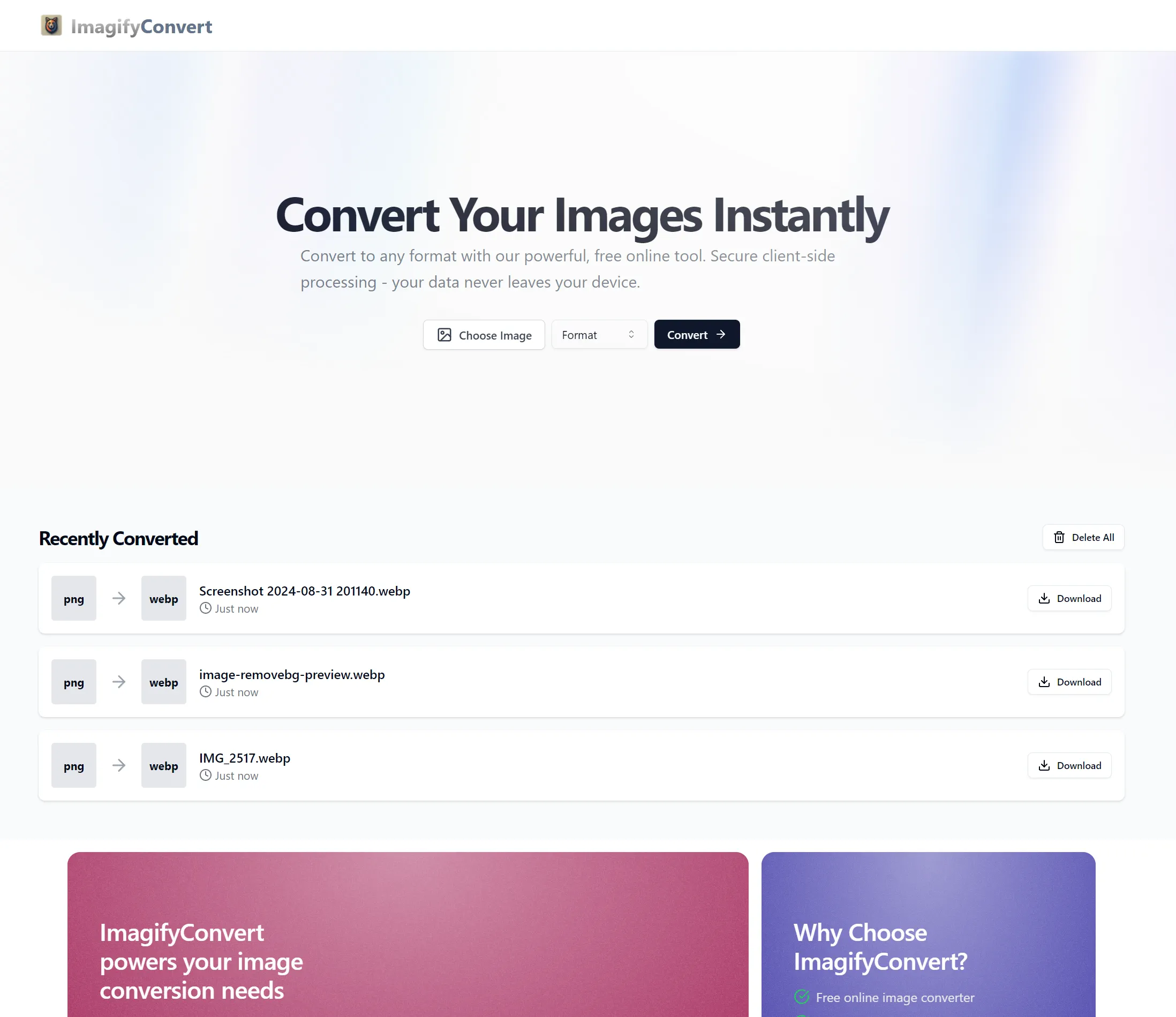
Recently Converted
Why privacy-conscious users choose client-side conversion
Most image converters upload your files to remote servers where they can be stored, scanned, or leaked. ImagifyConvert never sees your images — conversion happens entirely in your browser.
Zero server uploads
Files are decoded and re-encoded using Canvas and WebAssembly inside your browser tab. Nothing leaves your device.
EXIF data stays private
GPS coordinates, camera info, and timestamps in your photos are never exposed to a third-party server.
No daily limits
Since your own device does the work, there are no caps on file count, file size, or conversions per day.
Works offline
Once the page has loaded, you can convert images without an internet connection — useful on flights or in low-signal areas.
Free Browser-Based Image Tools
Every tool below runs locally in your browser — no uploads, no accounts, no file-size limits.
Banana Remover
Remove Nano Banana watermarks from AI-generated images locally — no upload required.
Image Base64
Encode image files to Base64 and decode Base64 strings back to images.
Metadata Viewer
Inspect EXIF metadata and strip it for privacy before sharing photos.
Image Compressor
Compress JPG, PNG, and WebP images directly in your browser.
Favicon Generator
Generate favicon files, apple-touch icons, and manifest snippets.
Crop & Resize
Resize and crop images for common social and developer presets.
GIF Maker
Create animated GIFs from image sequences or from uploaded videos.
PDF to Image
Convert PDF pages to PNG or JPG locally in your browser.
Image to PDF
Combine multiple images into a downloadable PDF document.
Background Remover
Remove image backgrounds with local browser-side processing.
OG Preview
Preview Open Graph and Twitter card metadata for any URL.
Everything runs in your browser
ImagifyConvert uses Canvas, WebAssembly, and browser-native codecs to convert images on your device. No file ever leaves your machine, so there is nothing to intercept, leak, or sell.
Why client-side matters
- No server uploads — your files stay on your device
- Works offline once the page loads
- No account or signup required
- EXIF & GPS data never exposed to third parties
- Unlimited conversions — no daily caps
- JPG, PNG, WebP, AVIF, HEIC, SVG, TIFF & ICO
- Free and open to everyone
How it works — three steps, zero uploads
1. Drop your files — drag images onto the converter or pick them from your file browser. 2. Choose a format — select from JPG, PNG, WebP, AVIF, or ICO. 3. Download — your converted files are ready instantly, no waiting on server queues.
Supported Image Formats
Input formats
JPG / JPEG — the universal photo format. PNG — lossless with transparency. WebP — Google's modern format with smaller file sizes. AVIF — next-gen AV1 compression for the smallest files. HEIC / HEIF — Apple's default iPhone photo format since iOS 11. SVG — vector graphics rasterised to your chosen size. TIFF — common in scanning and print workflows. ICO — favicon files.
Output formats
Convert to JPG for maximum compatibility, PNG when you need transparency, WebP for modern web performance, AVIF for cutting-edge compression, or ICO for website favicons. All encoding happens in your browser using native codecs and Canvas — your original files are never modified.
Popular Conversions
Jump straight to the converter for your format pair — every conversion runs privately in your browser.
Frequently Asked Questions
Are my images uploaded to a server?
No. ImagifyConvert processes every image locally in your browser using Canvas and WebAssembly. Your files never leave your device — there is no server-side component involved in the conversion at all.
Does ImagifyConvert work offline?
Yes. Once the page has loaded, all conversion and tool features work without an internet connection. This makes it useful on flights, in low-signal areas, or whenever you want to work without sharing data over a network.
Is there a limit on how many images I can convert?
No. Because processing happens on your own device there are no server-side limits, daily caps, or file-size restrictions beyond your browser's available memory.
What image formats are supported?
Input: JPG, PNG, WebP, AVIF, HEIC/HEIF, SVG, TIFF, and ICO. Output: JPG, PNG, WebP, AVIF, and ICO. We also offer tools for PDF, GIF, Base64, background removal, metadata stripping, and more.
How is this different from online converters like Convertio or TinyPNG?
Those services upload your files to their servers for processing. ImagifyConvert never sees your files — everything runs in your browser. That means better privacy, no file-size limits, and no waiting in server queues.